
SIMUN
Rules Of Procedure Sample Position Paper Draft Resolution Template Sample Speeches Understanding API How it Works What is MUN? FAQ Contact
SIMUN
Rules Of Procedure Sample Position Paper Draft Resolution Template Sample Speeches Understanding API How it Works What is MUN? FAQ Contact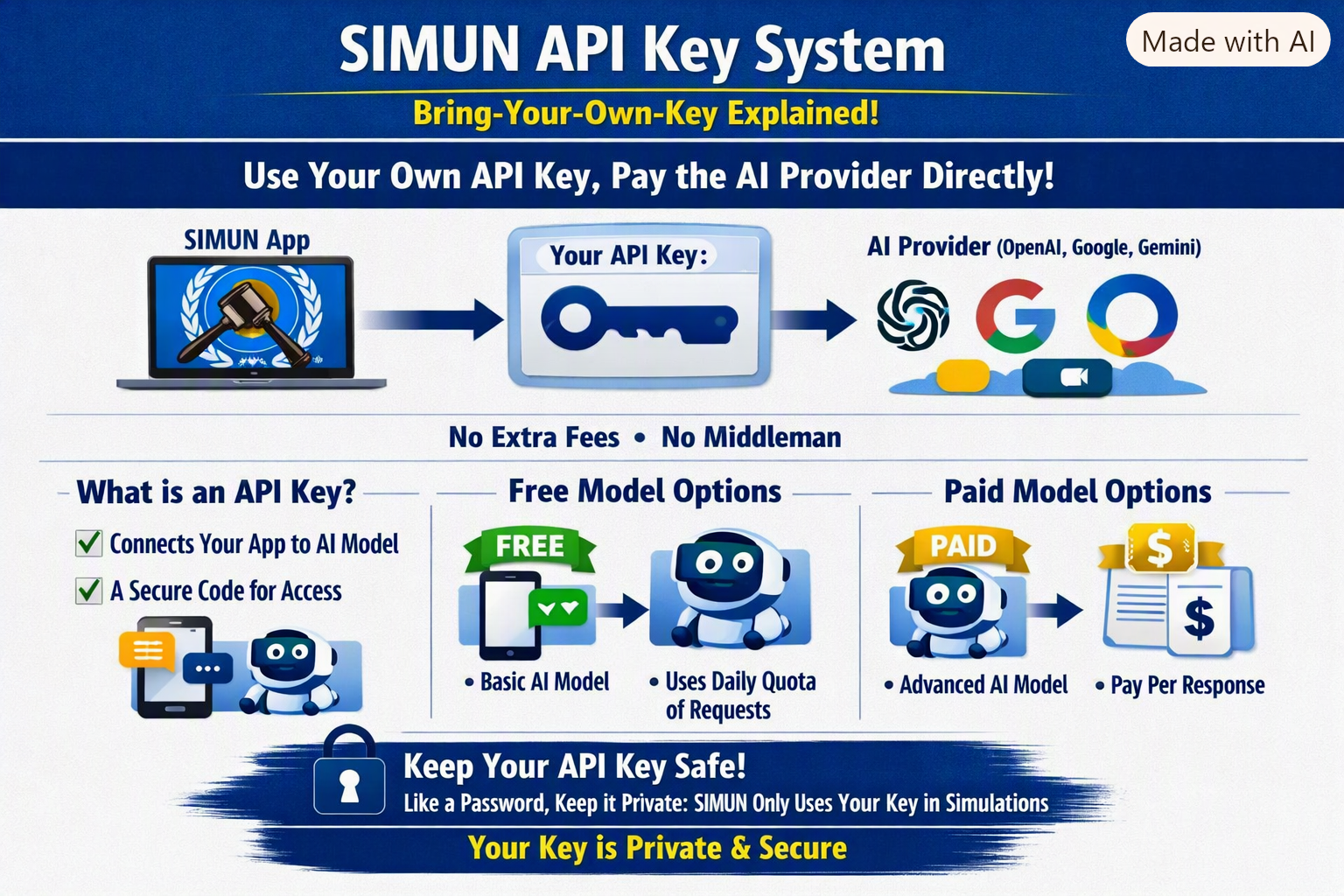
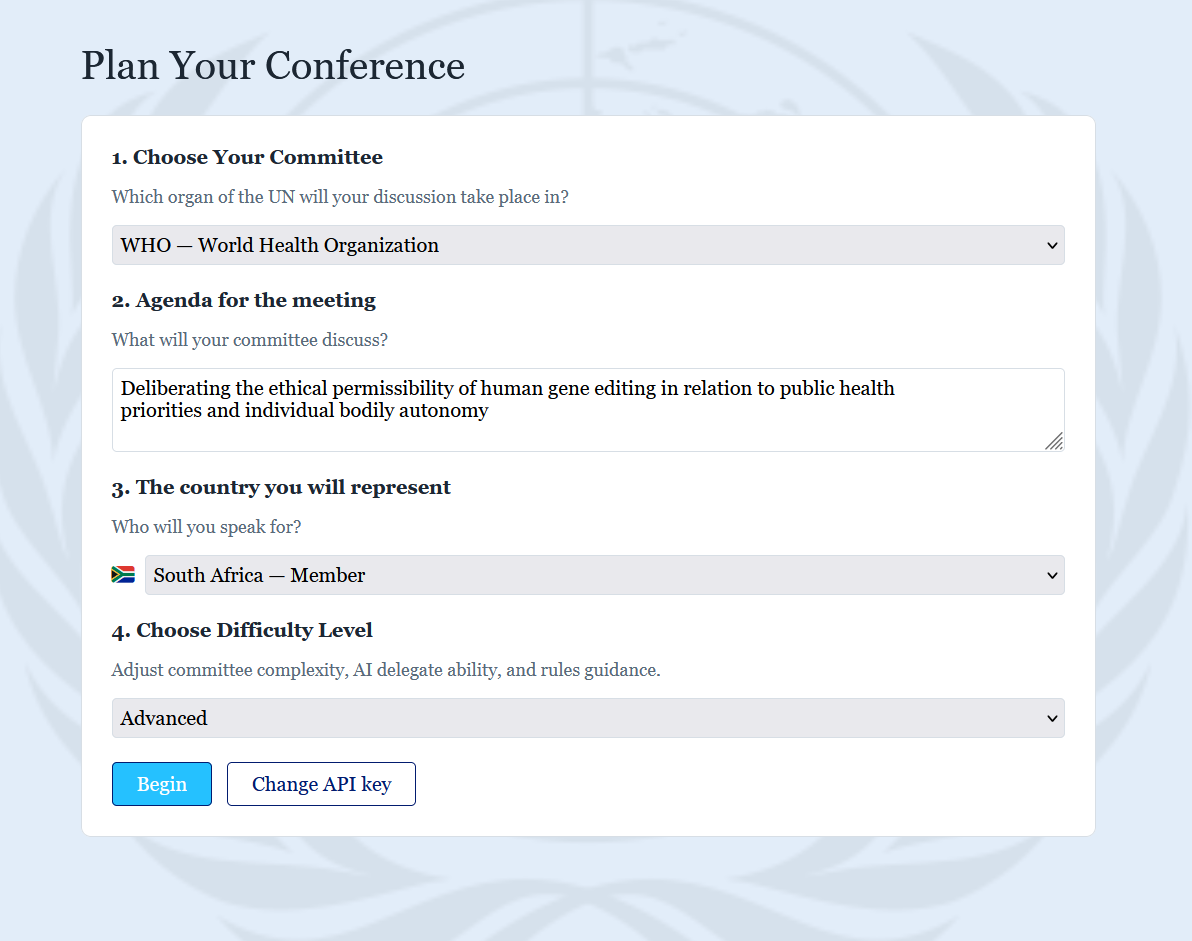
After you submit your API key, we need some details to create you simulation. You will be redirected to a new screen, where you will need to give the following details:
After you do this, you will have to wait 1-2 minutes while the AI generates the specifics of the simulation.
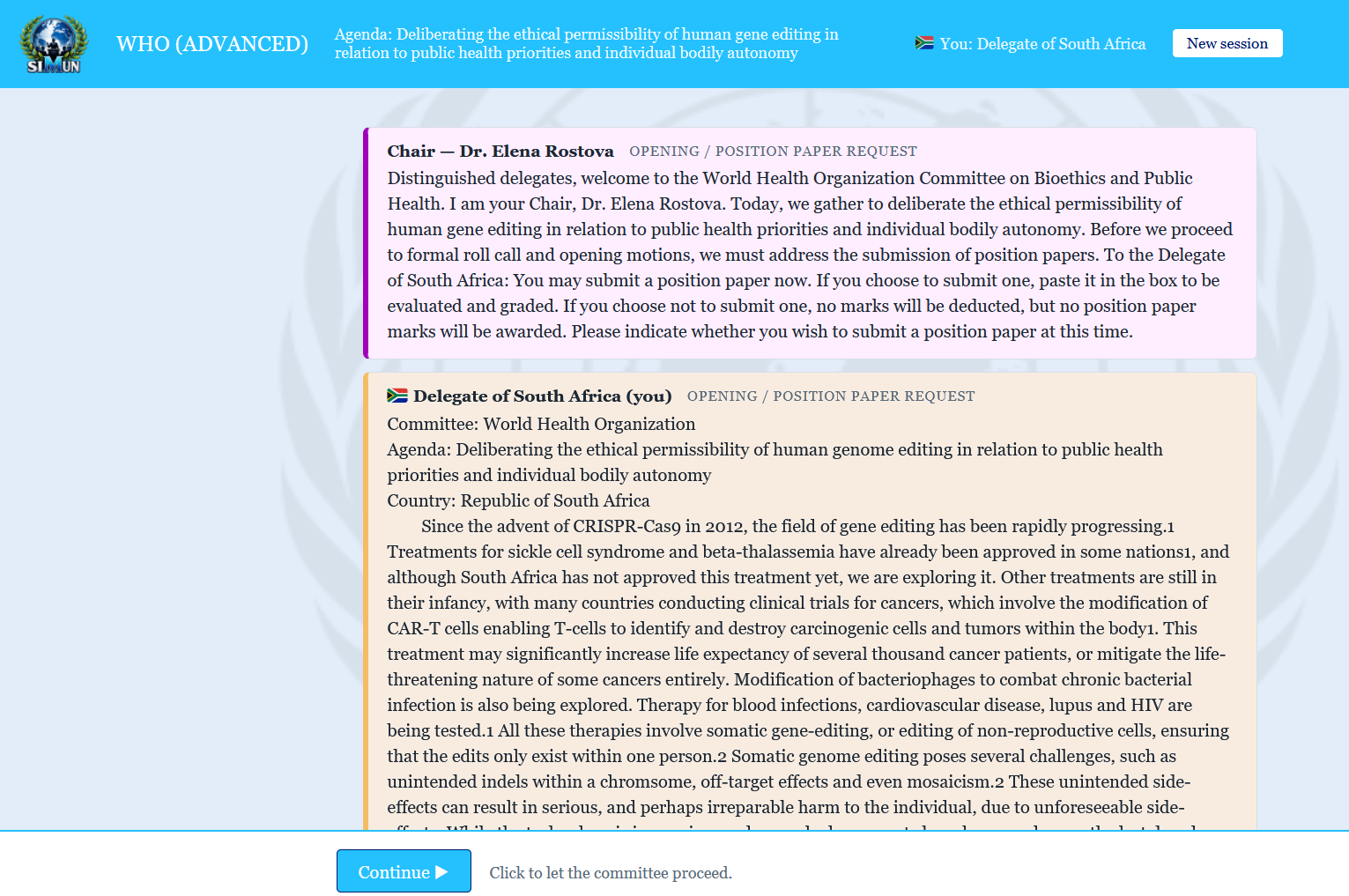
Once the AI finsihes generating the simulation, the Chair will open the committee by introducing themselves. At this point you will need to submit your position paper. To learn more about position papers, please refer to the Rules of Procedure page.
After you submit your position paper, you're all set to start!
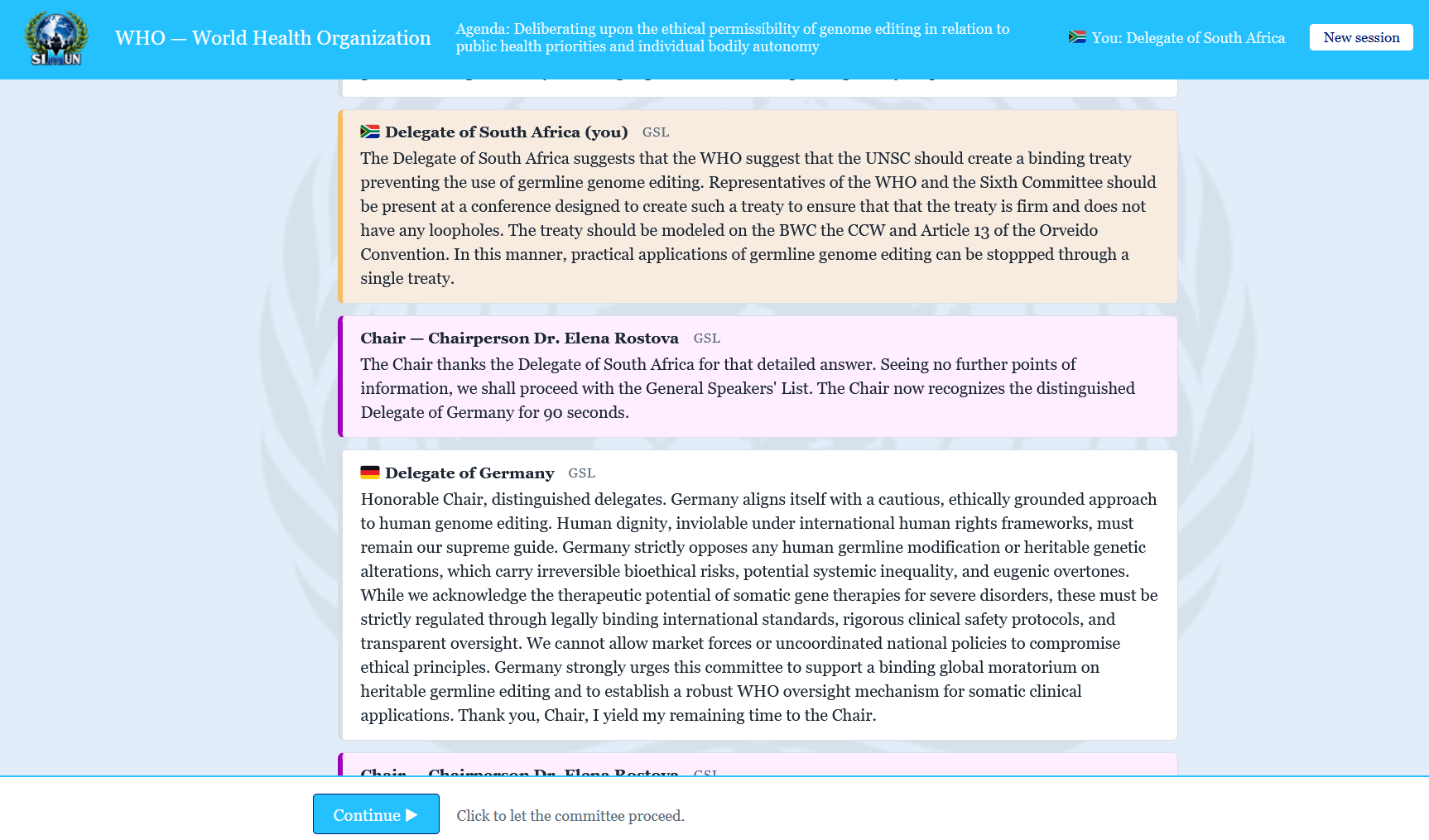
Start playing. Make speeches, ask questions, raise motions and find solutions to global problems.
© Copyright Kinara Goyal 2026 